
You’ve got videos hiding in your photo library.
Every Live Photo is a three-second clip with sound. Live to Video turns them into short, fun videos of your days out, your trips and your gigs.
 Price. For iPhone and iPad with iOS 26 or later.
11 years of Live Photos. Let’s do something with them!
Apple added Live Photos to the iPhone in 2015, and the Camera app takes them by default. So each time you take a photo, your iPhone also keeps the moments just before and just after it: the laugh, the wave, the chorus.
Live to Video puts them together into one video, in a few taps.
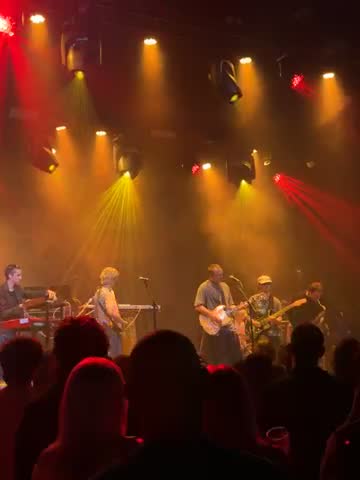
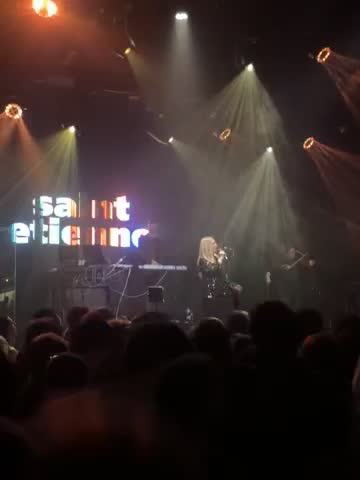
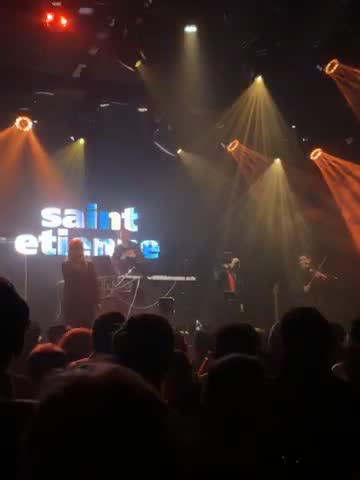
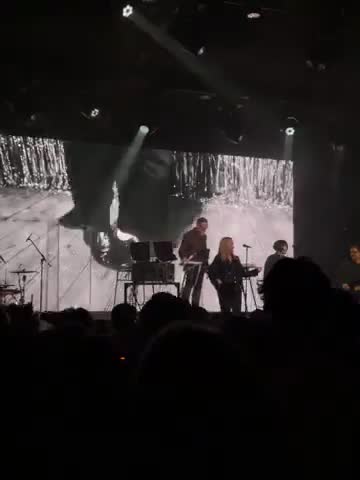
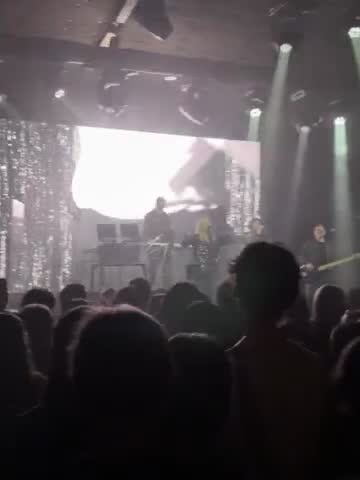
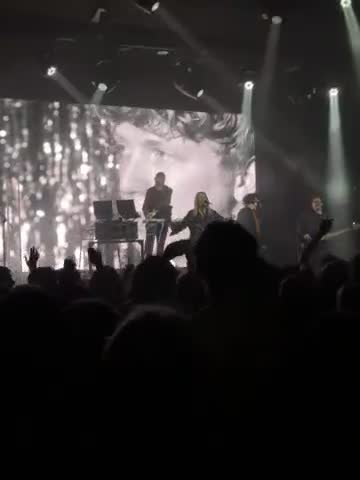
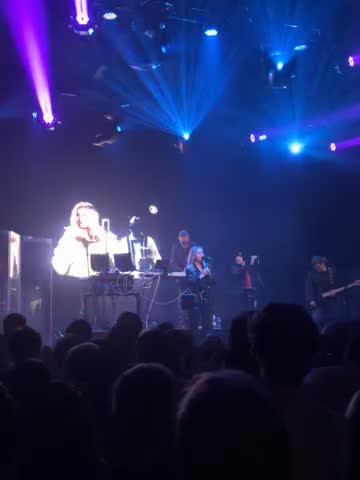
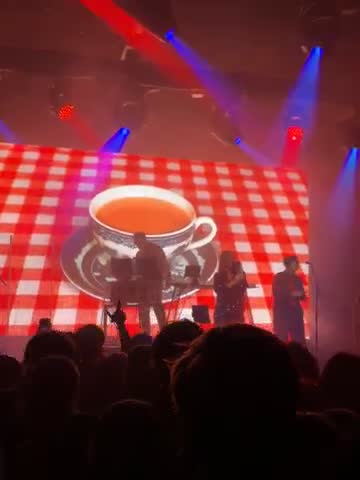
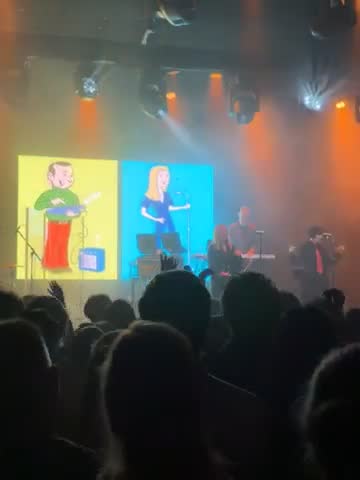
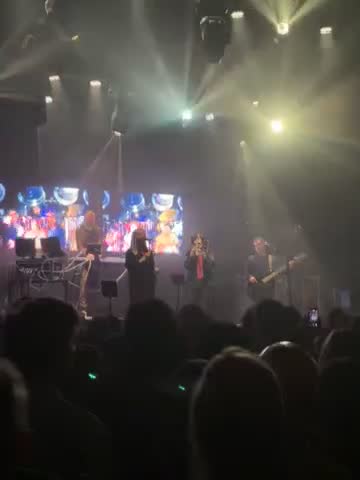
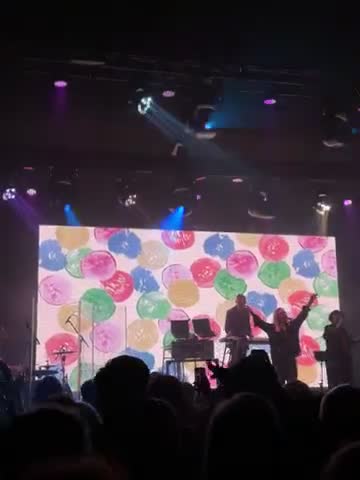
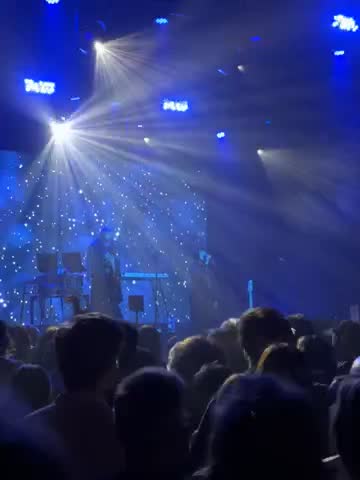
Three taps. The rest is automatic.
-
1. Select
Tap the Live Photos that you want, or swipe across them. Tap Select All for a whole event.
-
2. Combine
Tap Combine into Video. The clips play in the order that you took them.
-
3. Save
The video goes into your photo library, with your newest photos. Or share it.
Live to Video does the editing for you. It puts the clips in order, joins the photos that overlap, starts each clip on the beat, and fades between moments and at the end. When you want to change something, the editor is there.
The clever bits
Keep the Beat
Each clip starts on the beat of the clip before it, so the music doesn’t stumble at the joins. In a test with photos from a concert, the beats after a join were a median of 4 ms from the beats before it.
Overlapping photos become one shot
Five photos in five seconds play as one continuous shot. You see each moment once.
Smooth fades
Quick fades between moments, and a fade to black at the end.
Your edits come too
A trim or a filter from Photos is in the video.
Edit as much or as little as you like
Trim, change the volume, mute, take a clip out, or add an instant replay.
iPhone and iPad
At any size, in Split View, Stage Manager and on iPhone Duo.
Private
Live to Video doesn’t need an account, and it doesn’t upload your photos.
Go and find the videos in your photo library.
Download Live to Video, choose a day that you loved, and watch it again.